

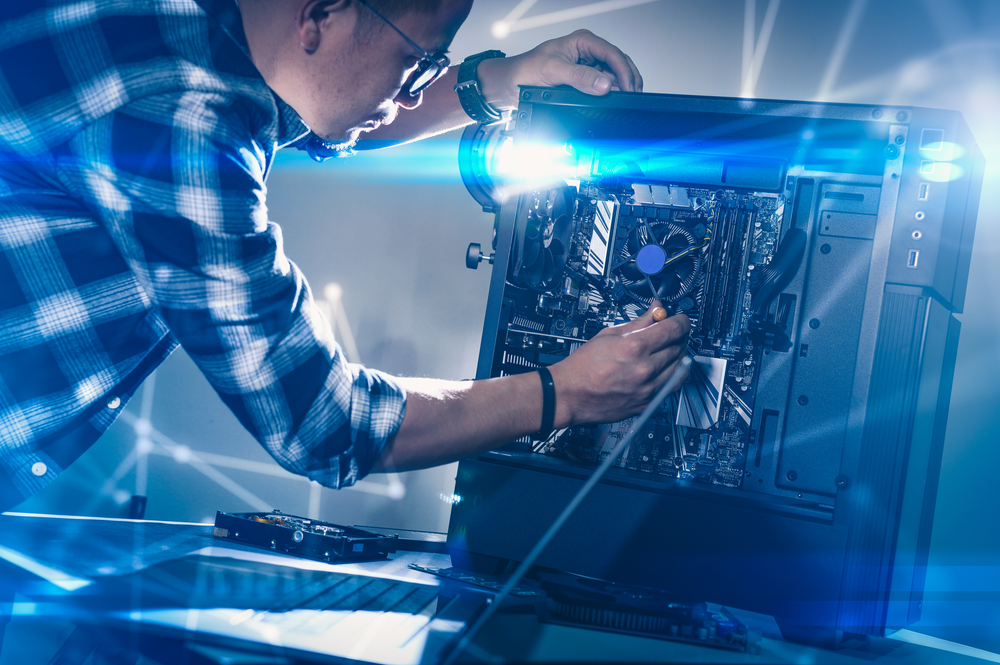
If you have been shopping for a gaming PC lately, you have probably felt the pressure of choice. Do you spend hours researching parts, watching build guides, and wrestling with cable management? Or do you simply pull out your wallet, order a pre-built system, and be gaming by the weekend? The debate between building your
READ MOREBlog
Blog
Spring Means New – So, What are the Best New Parts for Your PC?
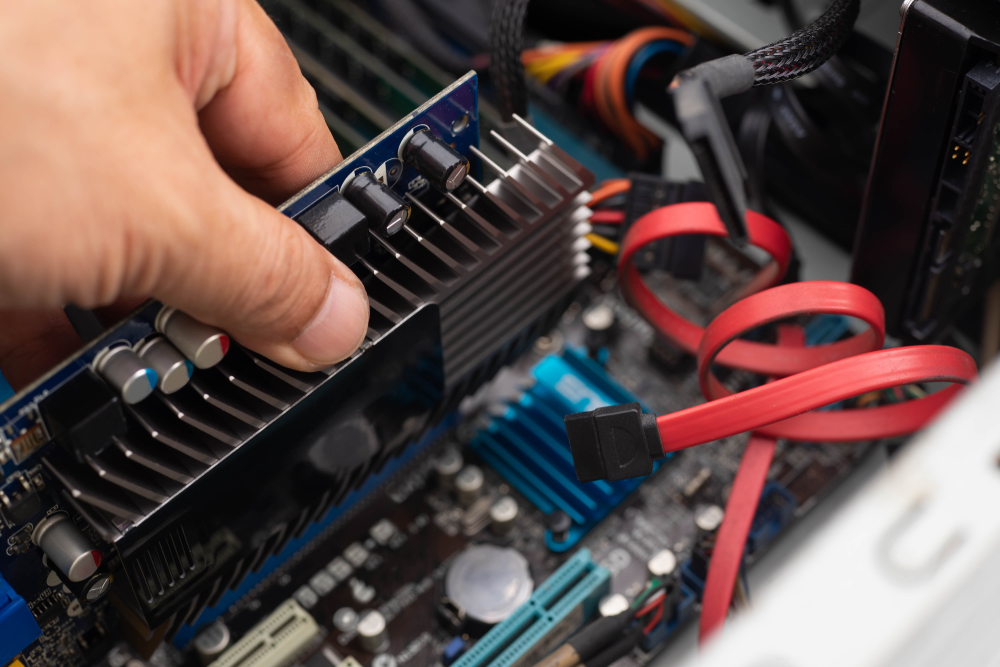
Spring represents renewal and a fresh start, making it the perfect season to revamp your gaming or productivity PC. With tech progressing rapidly, upgrading your system can breathe new life into your daily computing experience. Whether you’re a hardcore gamer, a creative professional, or someone who simply wants a snappier system, knowing what parts to
READ MORECan Cold Weather Affect Your PC?

When winter sets in and temperatures drop, we usually think about bundling up in layers and keeping our cars running. But computers, like people, also struggle in the cold. Whether it is a laptop used on the go or a desktop stationed near a drafty window, frigid environments can seriously affect PC performance, stability, and
READ MOREThe Best and Worst Trends With PC Building
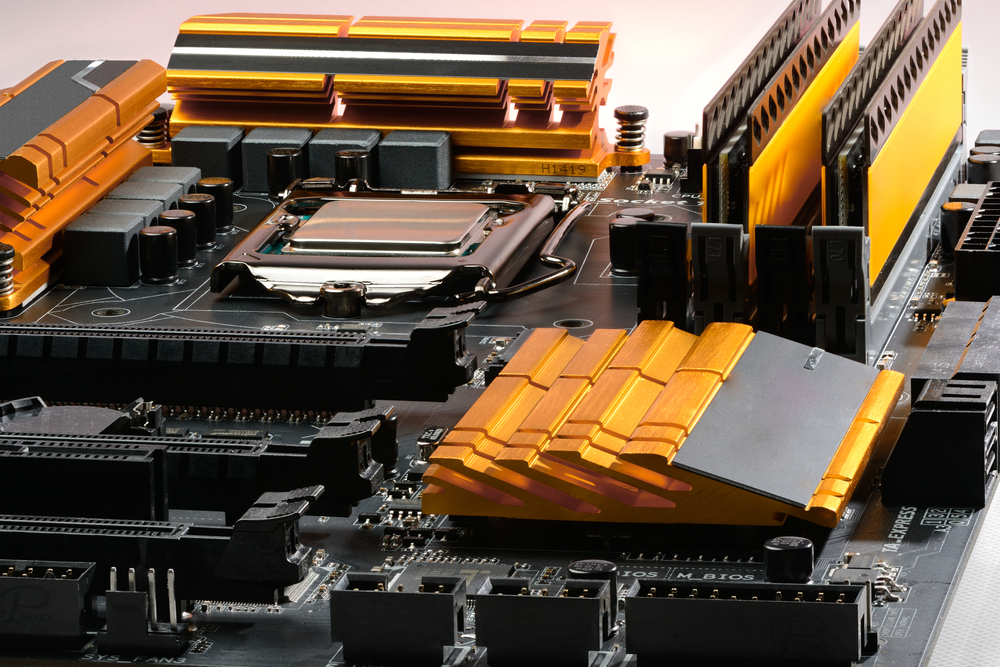
The world of PC building is constantly evolving. With every generation of hardware, enthusiasts are offered exciting new features, improved performance, and opportunities to stretch their creative muscles. But it’s not all good news. Alongside these innovations, there are industry missteps and trends that complicate the building process or push costs higher for little benefit.
READ MOREThe Best Custom PC Builds for Christmas!
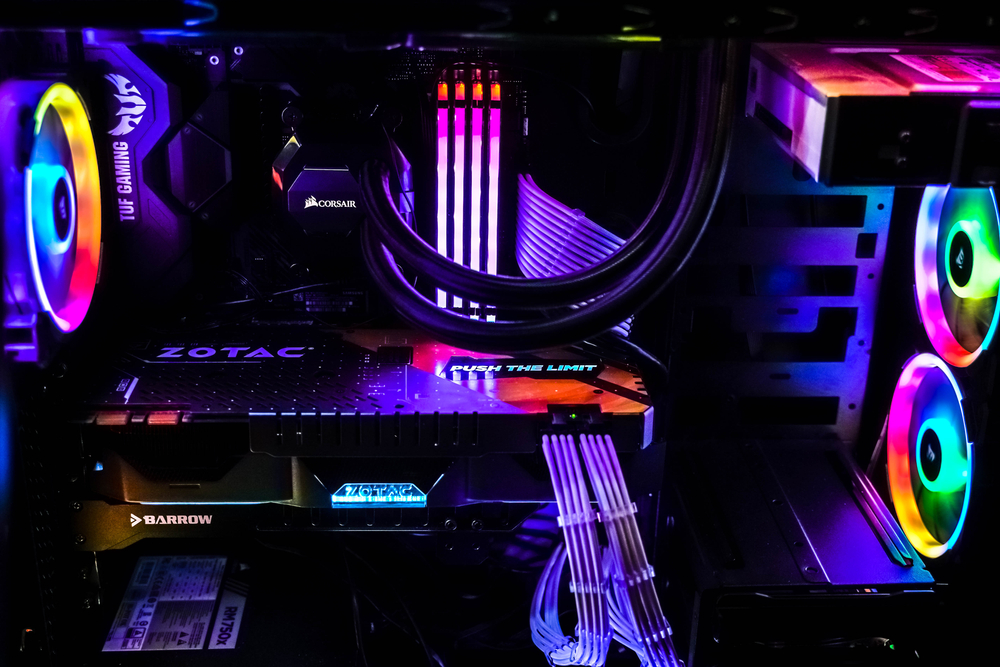
Christmas is just around the corner, and for gamers and tech enthusiasts, there’s no better time to unwrap the joy of a new custom-built PC. Whether you’re shopping for yourself or searching for the perfect gift, building a tailored machine brings together performance, personalization, and the excitement of high-end tech. As holiday sales heat up
READ MORE